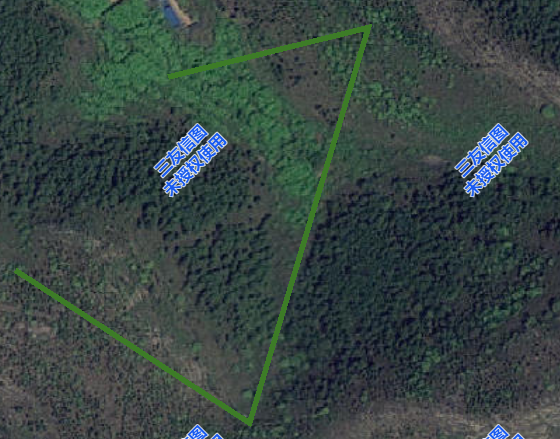
绘制工具
- 绘制点线面
typescript
const draw = createDraw()可配置参数
typescript
type CreateDraw = {
  /**
   *@description 创建绘制对象
   *@param options.pointColor 点颜色
   *@param options.pointSize 点大小
   *@param options.lineColor 线颜色
   *@param options.lineFillColor 填充颜色
   *@param options.lineWidth 线宽
   *@param options.endIsShow 绘制结束是否还显示
   *@param globeID  地球id
   *@return Draw
   */
  (options: DrawOptions, globeID?: string): Draw;
};方法
dragDrawPoint 拖动定位点
typescript
draw.dragDrawPoint((result)=>{}) //传入回调获取坐标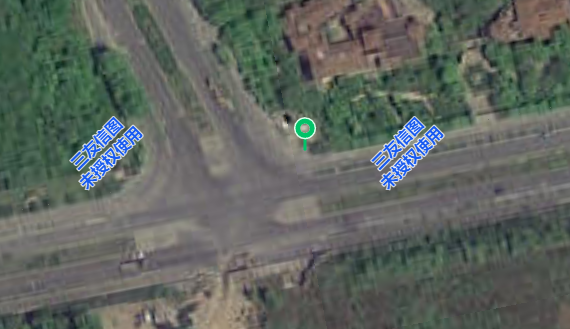
drawPoint 绘制点
typescript
draw.drawPoint().then((result)=>{})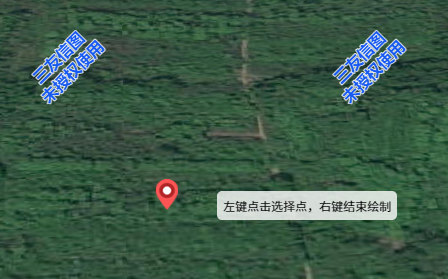
drawRectangle 绘制矩形
typescript
draw.drawRectangle().then((result)=>{})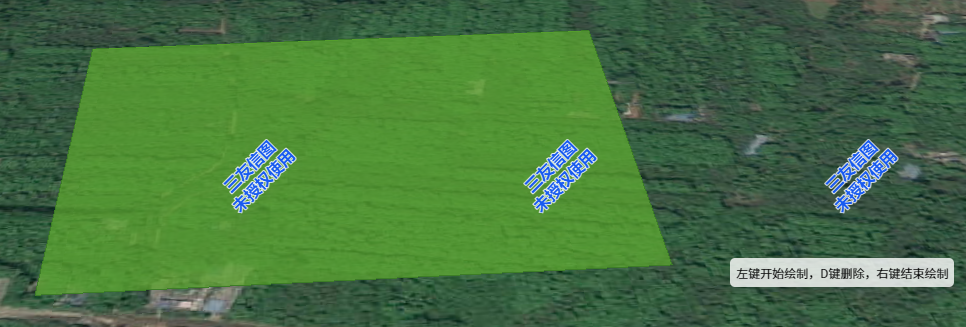
drawCircle 绘制圆
typescript
draw.drawCircle().then((result)=>{})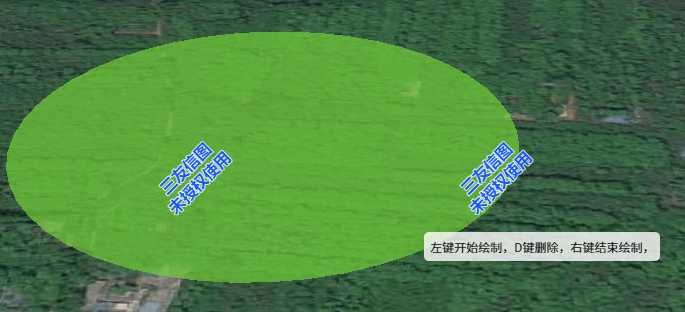
drawCustom 自由绘制
typescript
draw.drawCustom().then((result)=>{})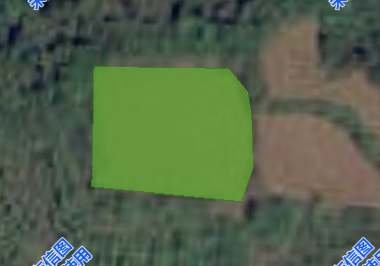
drawLine 绘制线
typescript
draw.drawLine().then((result)=>{})